INFORMATION
About the Document Mail Templates app
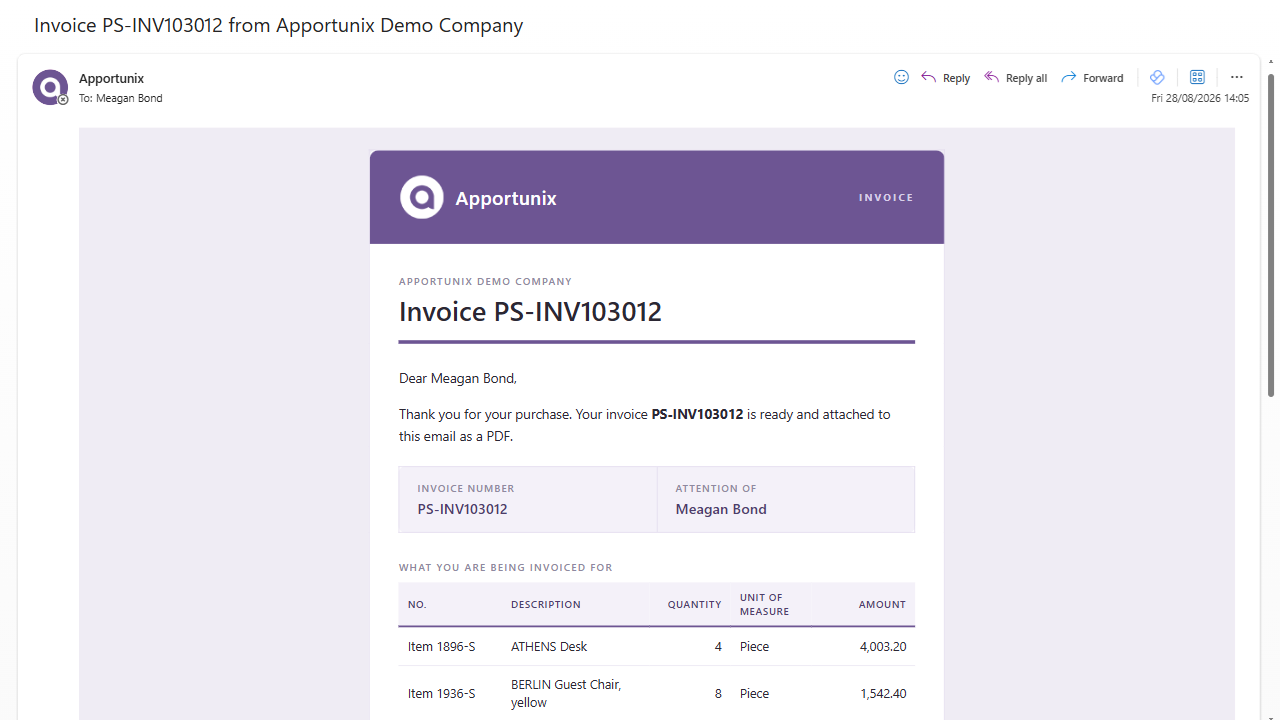
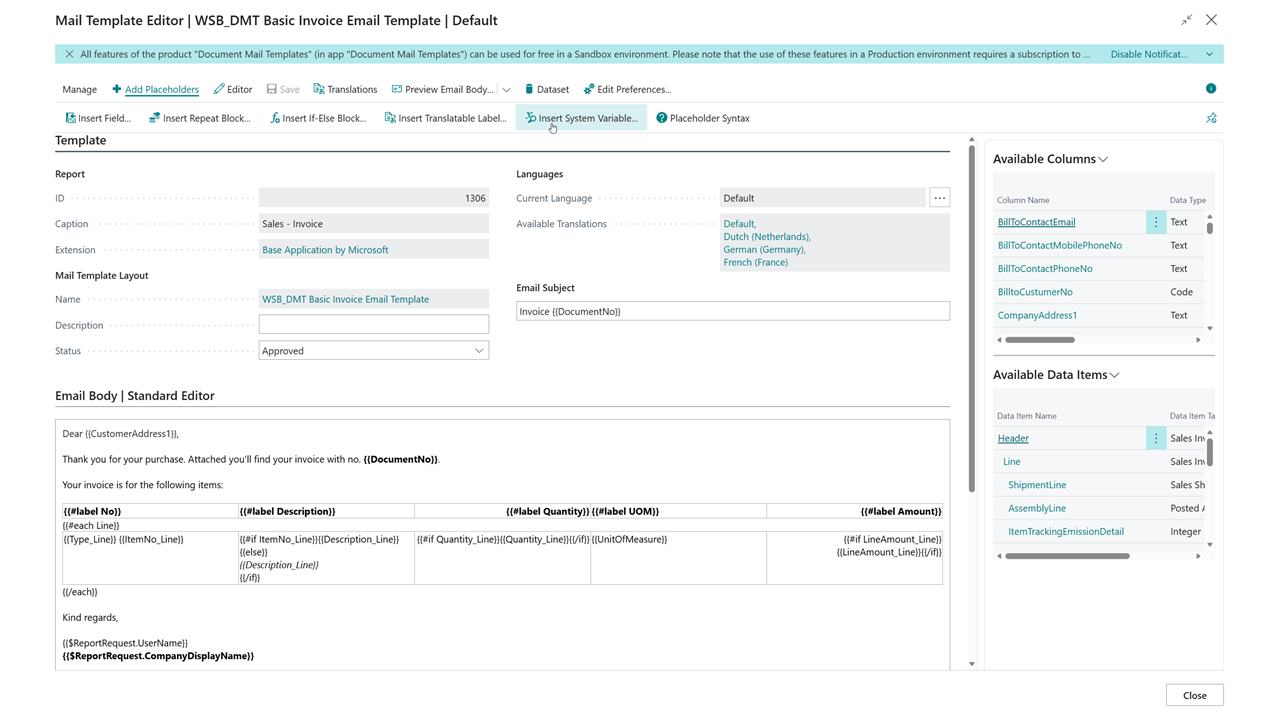
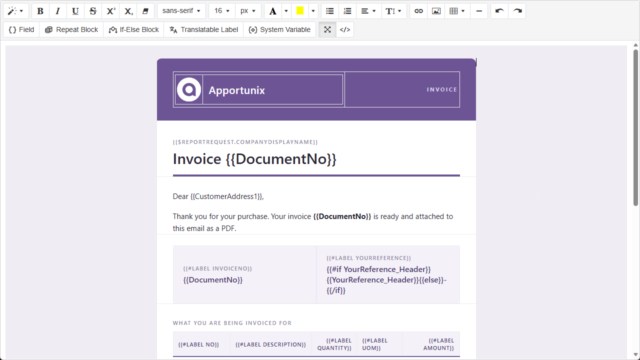
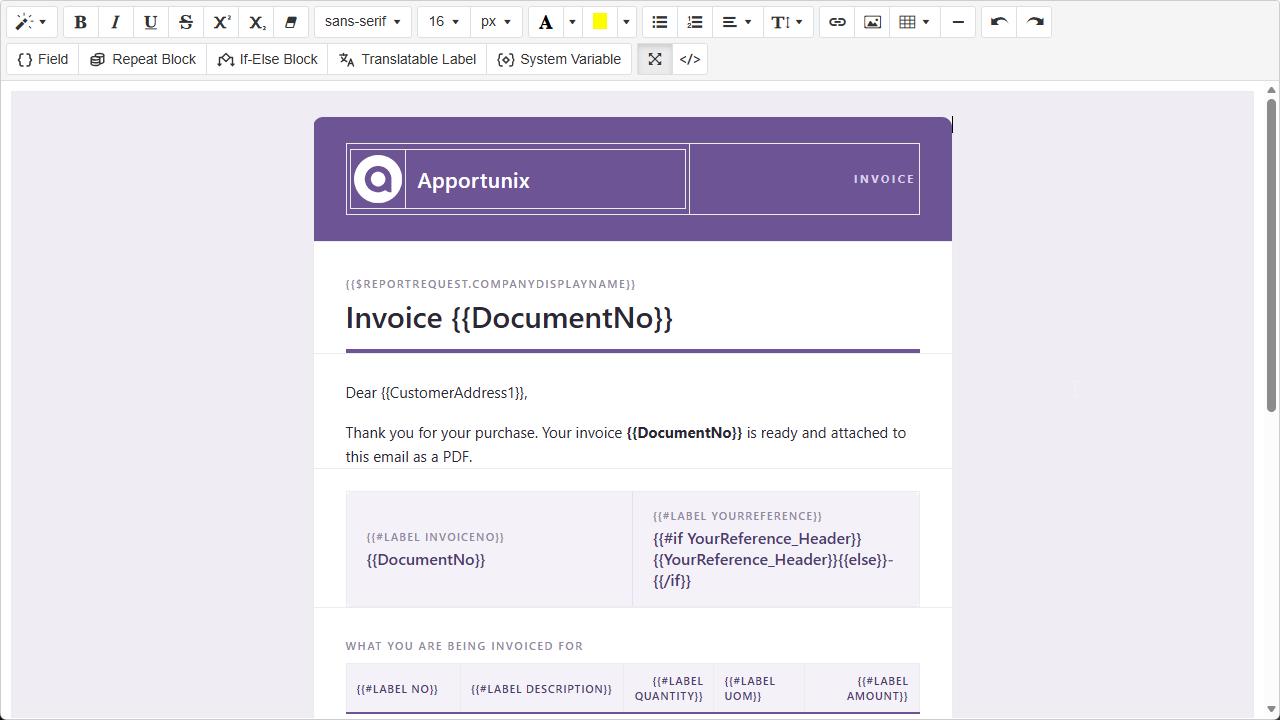
Apportunix Document Mail Templates lets you replace the generic e-mail body that Business Central composes for your documents with a fully customizable HTML template of your own design – personalized with data straight from the report, such as the customer name, document number, totals, or even the document lines – and a distinct e-mail subject per document type.
Why choose Document Mail Templates?
Document Mail Templates helps organizations send documents that look and read exactly the way they want, without waiting on a developer for every wording or design change.
Key users can design, translate, and maintain e-mail templates themselves, resulting in more personal customer communication, faster turnaround times, and lower development costs.
Key Benefits
✅ Design e-mail bodies visually
- Edit the e-mail subject and body in a rich text (WYSIWYG) editor, or the raw HTML editor – whichever you prefer
- Start from a blank template, or copy one of the built-in templates for common documents such as sales invoices, orders, quotes, credit memos, reminders, and finance charge memos
- Preview the rendered e-mail body directly with real Business Central data before sending it
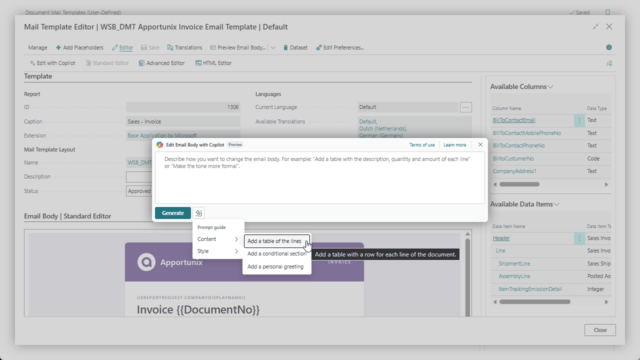
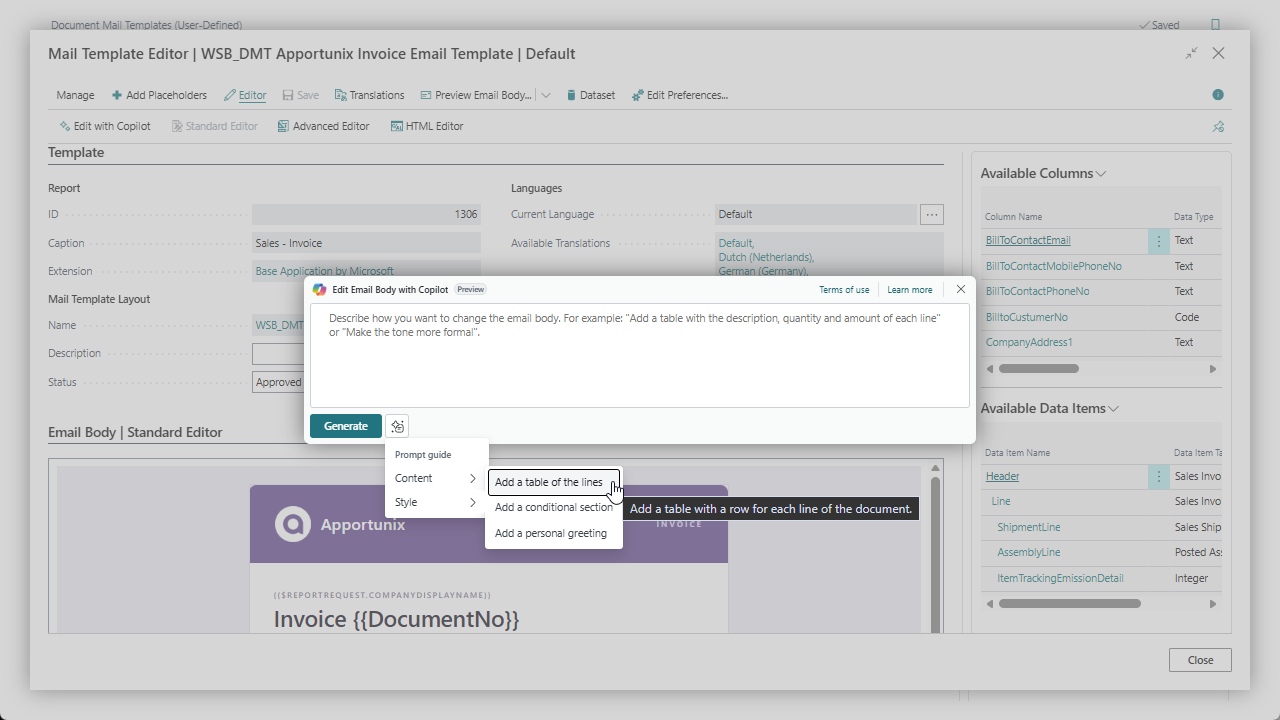
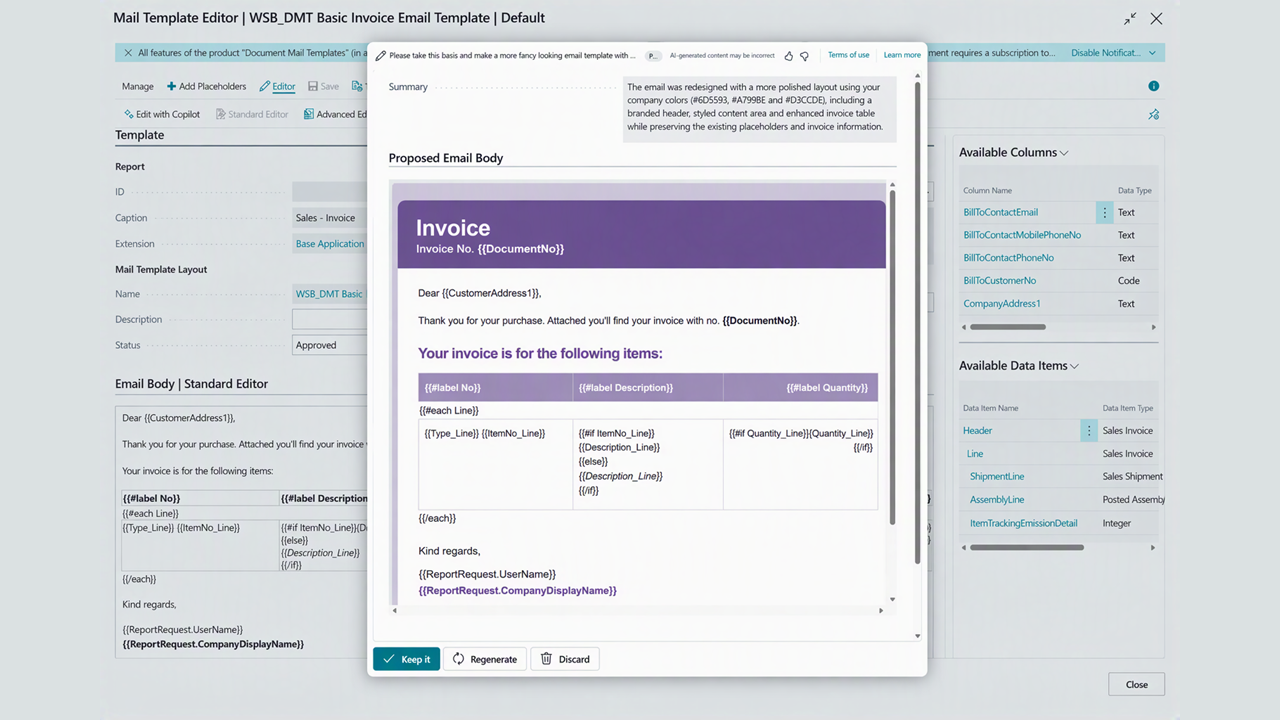
- Use Copilot capabilities to improve your email templates by describing what you want in natural language
✅ Personalize e-mails with report data
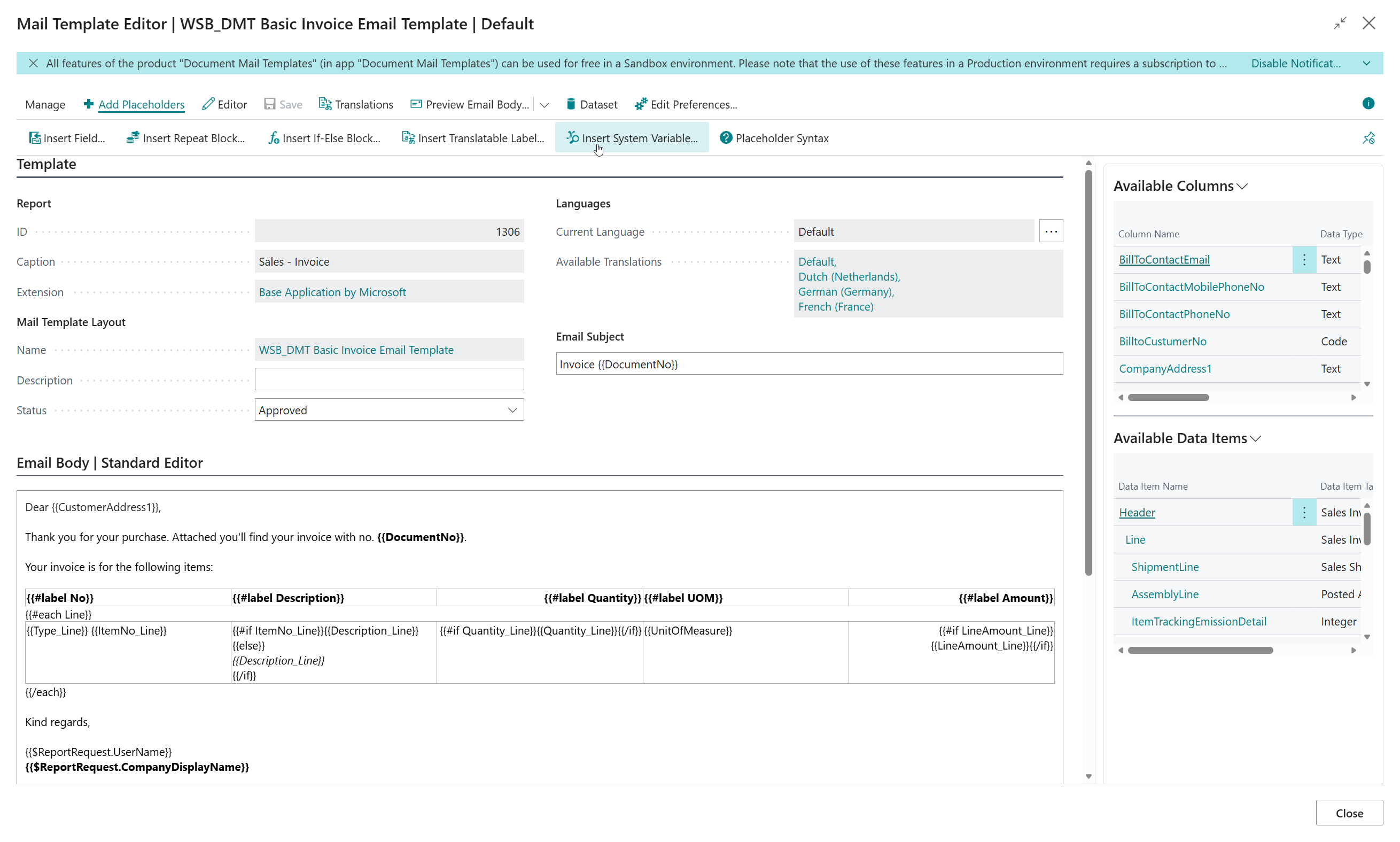
- Insert fields, repeat blocks, if-else blocks, translatable labels, and system variables, without having to memorize any syntax
- Repeat content per document line, and show content only for the first or last record of a block
- Add conditional content based on whether a field has a value
✅ Support multilingual e-mails
- Add a translation of the subject and body per language
- Business Central automatically uses the version that matches the language of the document, falling back to the default when no translation is available
✅ Stay in control of what gets sent
- Select the mail template you want to use, right before you are about to send the email
- Choose which mail template is used as the e-mail body for each report, optionally per customer or vendor
- Find out where a template is currently used before you change or remove it
✅ Share and troubleshoot templates with ease
- Export and import a single mail template as a file, or bundle several templates together into a template package to move them between companies and environments
- Export a template together with sample data to a support file that can be previewed on another tenant, for example for troubleshooting
- No disruptive migration project required – keep using your existing email layouts side by side
Pricing
You can try out the Document Mail Templates extension completely for free by installing it directly from Microsoft Marketplace in one of your Business Central Sandbox environments.
No trial period, no obligations!
Just install the extension directly from Microsoft Marketplace and try it out right away.
Curious about the pricing for Production use? Please check out our Prices page for detailed information about the pricing for each of our apps.