INFORMATION
About the app Inventory Availability Indicators
Give your sales, logistics and warehouse teams instant insight into inventory availability directly within Microsoft Dynamics 365 Business Central.
Inventory Availability Indicators enhances standard Business Central inventory visibility by displaying clear visual indicators on order lines, helping users immediately understand whether inventory is available, replenishment is planned, or action is required to avoid shortages. No more opening availability pages, reviewing planning worksheets or navigating through multiple screens to answer a simple question: Can this order be fulfilled?
Make Faster and Better Order Fulfillment Decisions
When entering sales orders, planning shipments or managing customer expectations, users need accurate information about stock availability.
Inventory Availability Indicators provides real-time visual feedback directly on demand documents, enabling users to:
• Determine whether items can be shipped immediately
• Identify shortages before they become problems
• Understand whether replenishment is already planned
• Promise realistic delivery dates to customers
• Reduce time spent checking inventory availability manually
By making inventory information visible where users work every day, organizations can improve delivery reliability and increase operational efficiency.
Visual Inventory Indicators Throughout Business Central
The solution adds intuitive color-coded inventory indicators to key Business Central documents.
Supported documents include:
• Sales Quotes
• Sales Orders
• Transfer Orders
• Assembly Orders
• Production Orders
• Project Planning Lines
Users instantly see the inventory status of each line without opening additional windows or reviewing detailed availability calculations.
Understand Inventory Availability immediately
Inventory Availability Indicators uses clear visual status indicators to communicate inventory conditions.
Examples include:
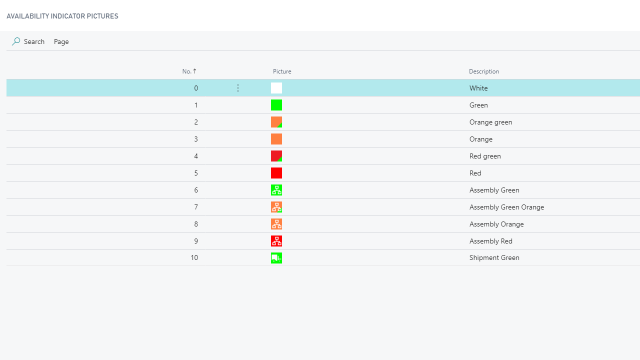
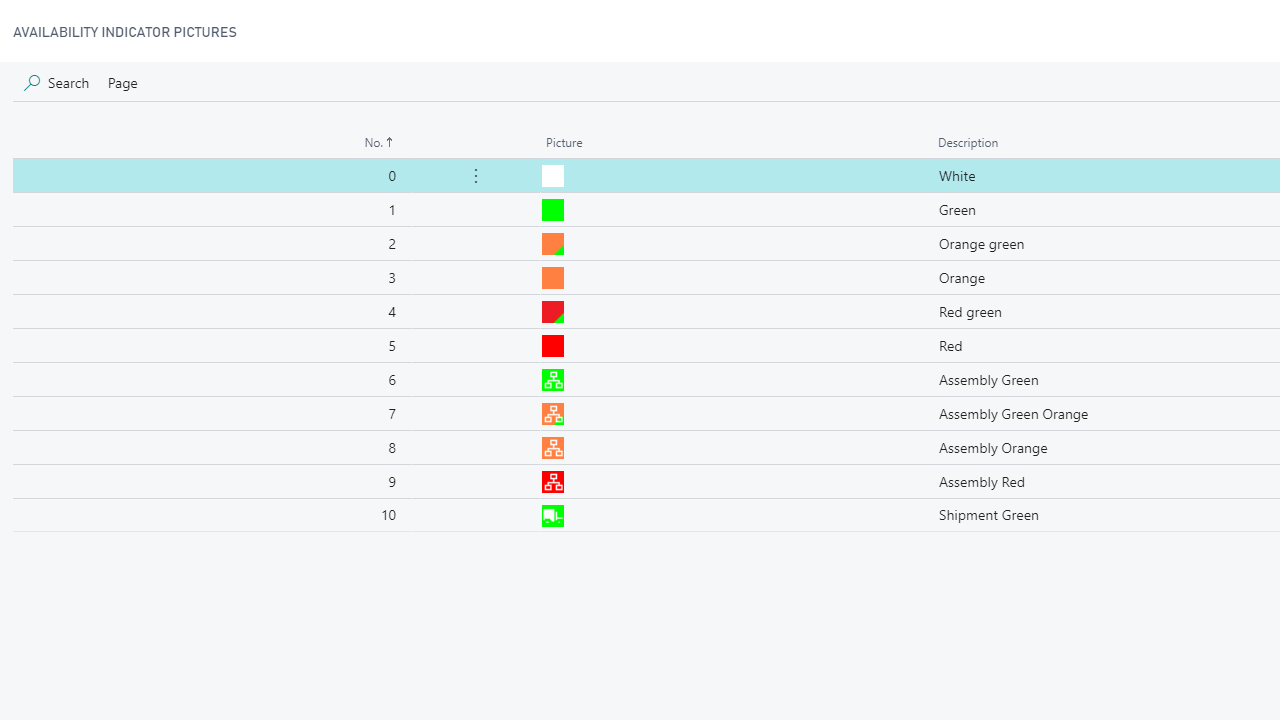
🟢 Inventory available and sufficient to meet demand
🟠 No inventory currently available, but replenishment is already planned
🔴 Insufficient inventory and additional supply planning is required
This allows users to identify fulfillment risks immediately and take action before shortages impact customer deliveries.
Advanced Support for Assemble-to-Order Scenarios
Businesses that work with assembled items often face additional complexity because inventory availability depends on underlying components rather than finished goods.
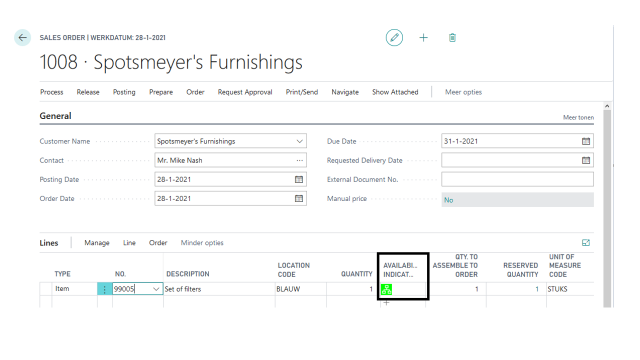
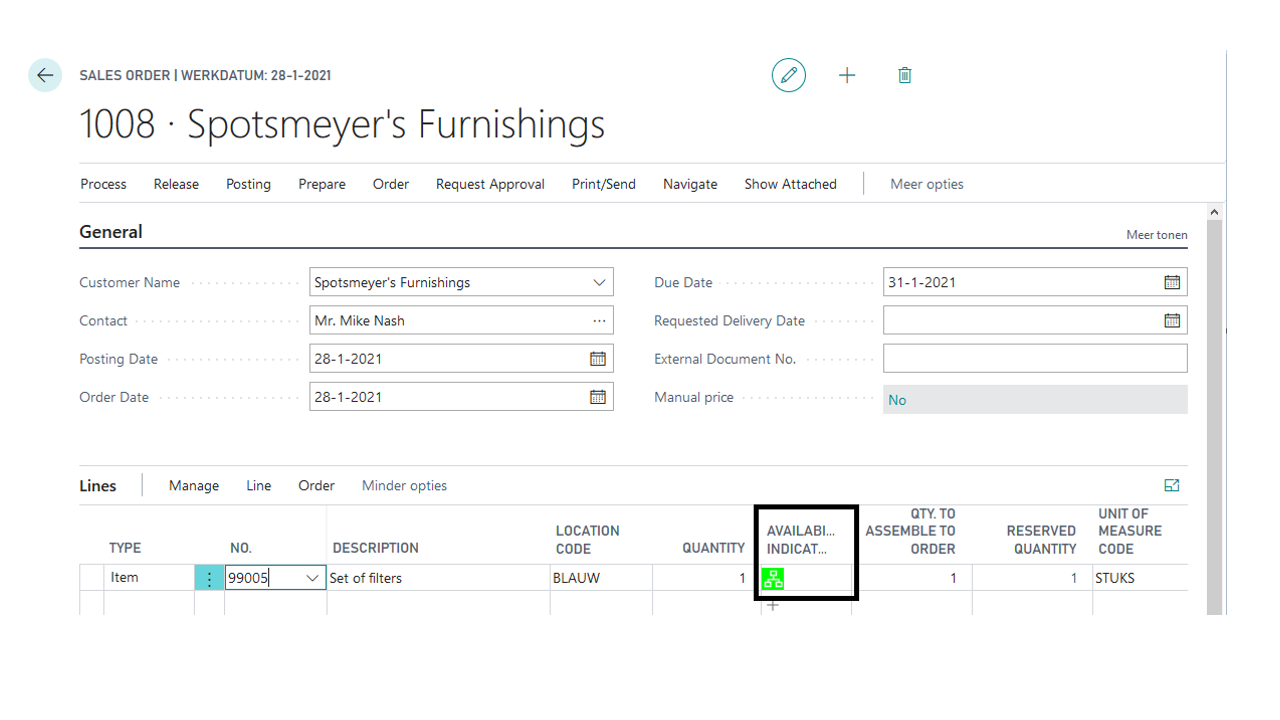
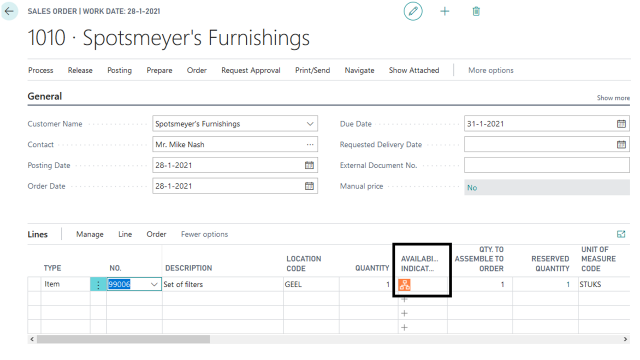
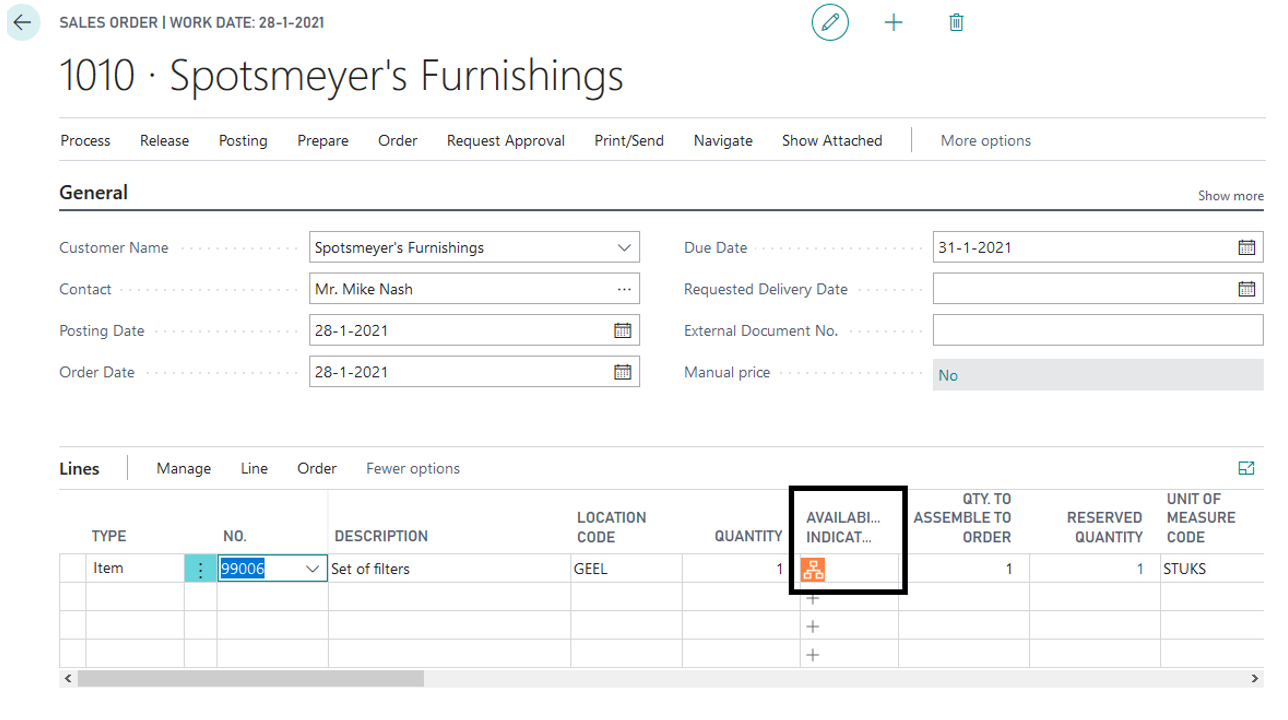
Inventory Availability Indicators automatically evaluates the availability of BOM components and presents a consolidated availability indicator for assembled items.
This enables users to determine whether assembled products can be fulfilled without navigating through assembly orders and reviewing individual component lines.
Powerful Shipment Planning
Inventory visibility is only one part of the fulfillment process. Determining which orders should be shipped next is equally important.
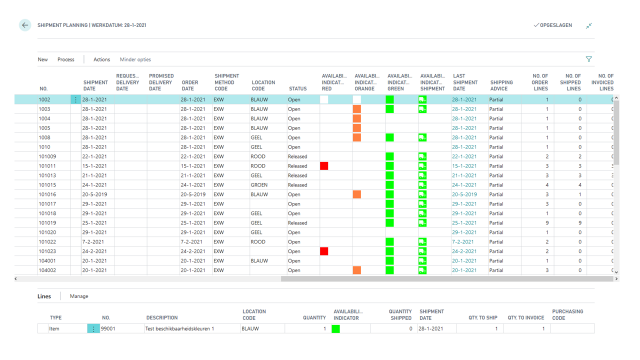
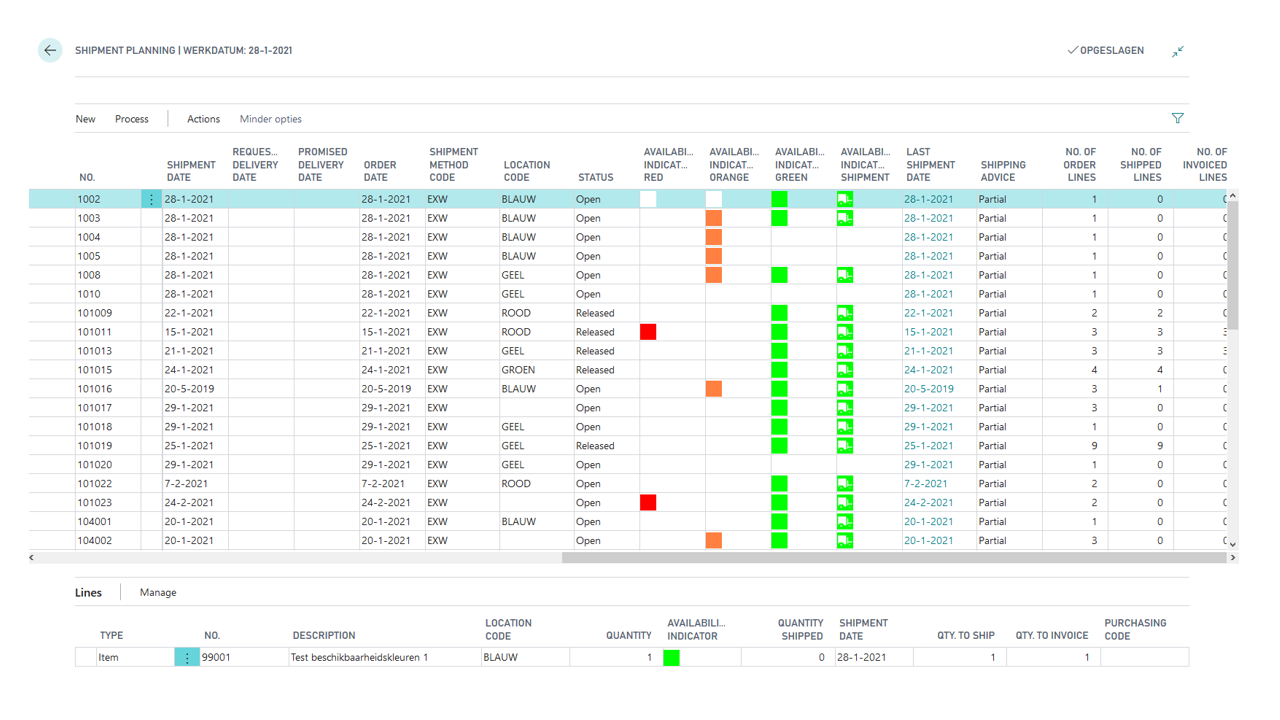
The integrated Shipment Planning page provides a dedicated workspace where users can:
• Review open sales orders waiting for fulfillment
• Identify which orders can be shipped immediately
• Filter orders based on availability status
• Prioritize shipments
• Improve warehouse efficiency
• Accelerate order fulfillment processes
Visual indicators remain available throughout the shipment planning process, providing complete transparency from order entry to shipment.
Support for Multiple Logistics Scenarios
Inventory Availability Indicators supports a variety of Business Central fulfillment processes, including:
• Standard sales shipping processes
• Inventory Picks
• Warehouse Shipments
• Locations without warehouse management
This flexibility makes the solution suitable for wholesalers, distributors, manufacturers and other inventory-driven organizations.
Benefits for Sales, Logistics and Warehouse Teams
Sales Teams
• Respond faster to customer inquiries
• Promise realistic delivery dates
• Reduce fulfillment surprises
Logistics Teams
• Improve shipment planning
• Prioritize orders efficiently
• Increase delivery reliability
Warehouse Teams
• Focus on orders ready for shipment
• Streamline pick and shipment creation
• Improve operational efficiency
Why Choose Inventory Availability Indicators?
Inventory Availability Indicators helps organizations make better fulfillment decisions, improve customer service and reduce the time spent analyzing inventory availability.
By bringing inventory intelligence directly into Business Central documents, users gain the information they need to act quickly, improve delivery performance and increase efficiency throughout the order fulfillment process.
Pricing
You can try out the Inventory Availability Indicators extension completely for free by installing it directly from Microsoft Marketplace in one of your Business Central Sandbox environments.
No trial period, no obligations!
Just install the extension directly from Microsoft Marketplace and try it out right away.
Curious about the pricing for Production use? Please check out our Prices page for detailed information about the pricing for each of our apps.