INFORMATION
About the app Custom Headlines
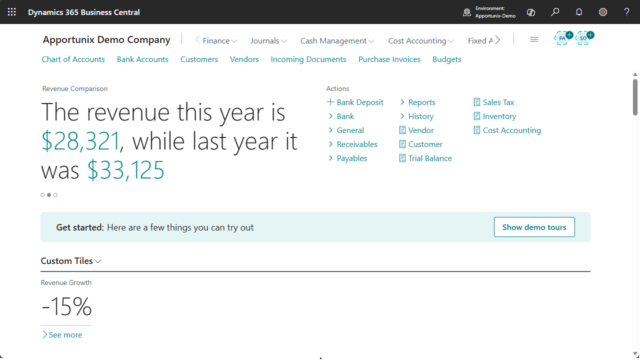
Do you want to communicate timely, personalized messages to your team directly within their Microsoft Dynamics 365 Business Central workspace?
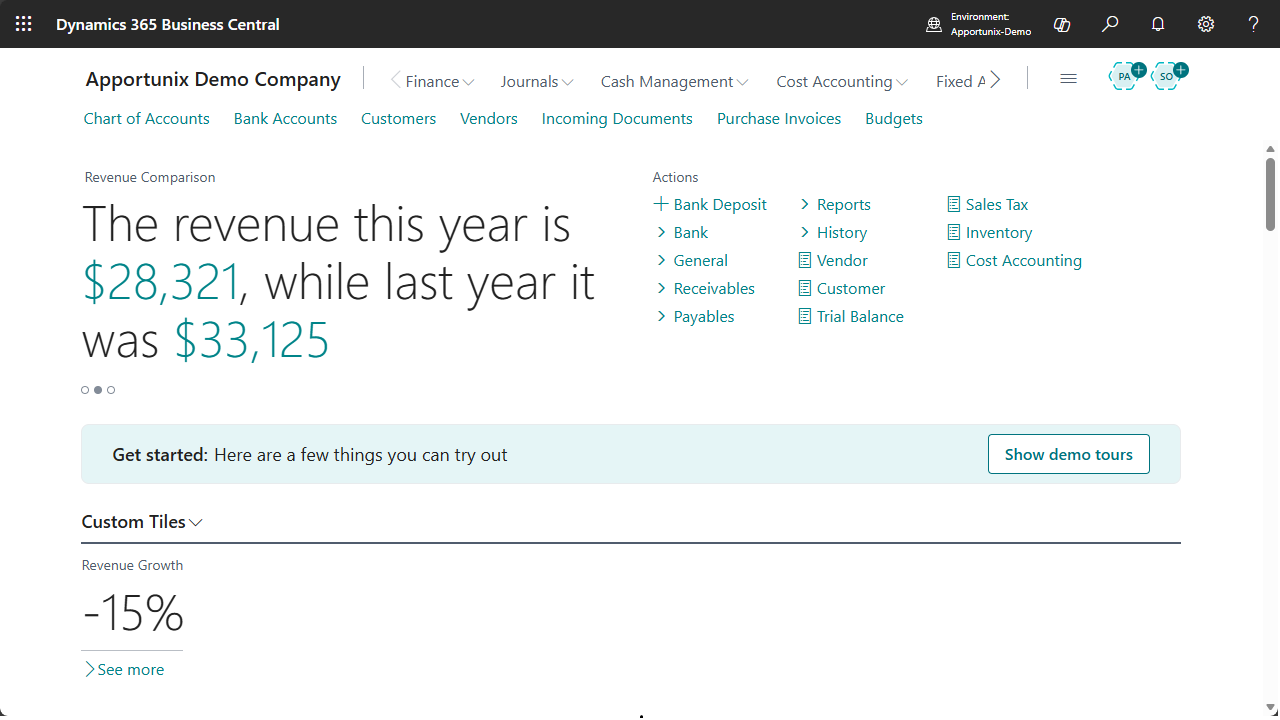
Custom Headlines– Create your own custom headlines!
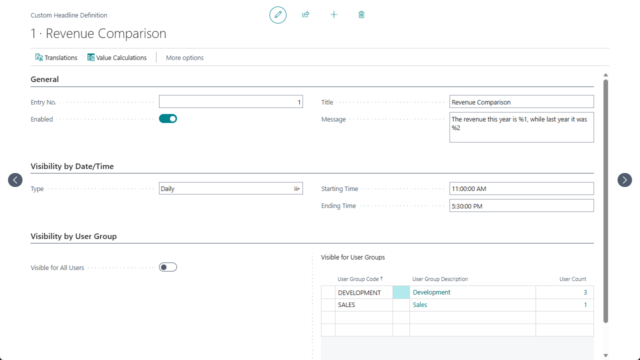
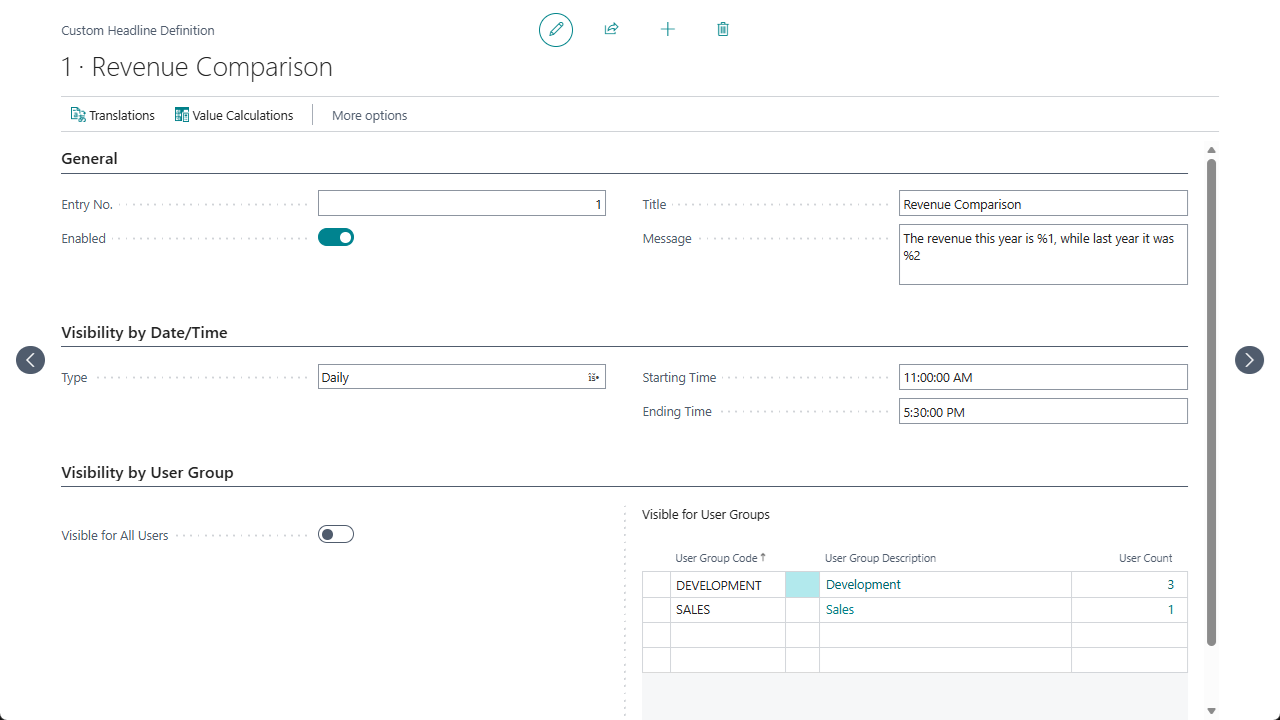
With Custom Headlines, you can create headline messages that appear on role centers, tailored to specific users, user groups, and dates/times. Empower your organization with real-time insights, reminders, and announcements—right where decisions are made.
Custom Headlines lets you:
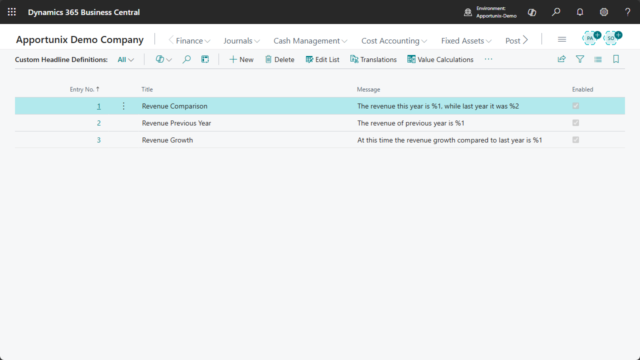
- Define headline messages with dynamic placeholders, automatically filled by calculated values (using the same robust calculation logic as our Role Center Tiles feature).
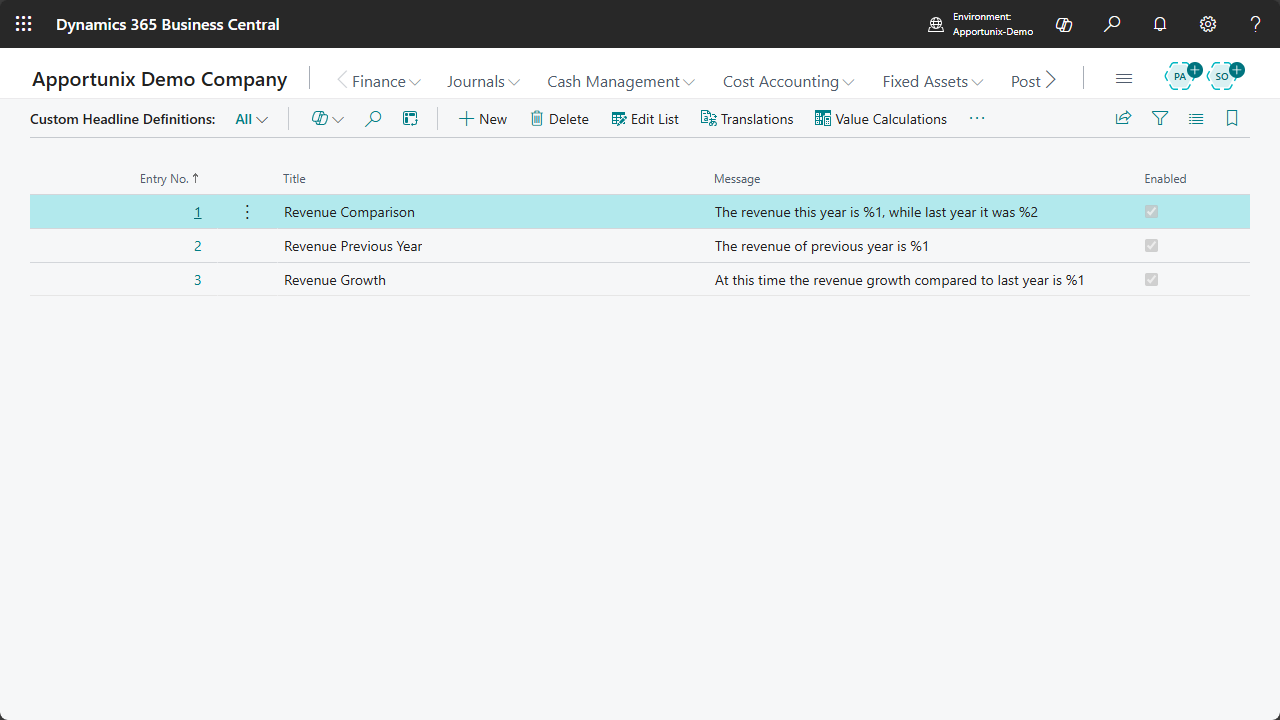
- Target headlines by user group and precise date/time—ensuring the right message reaches the right audience at the right moment.


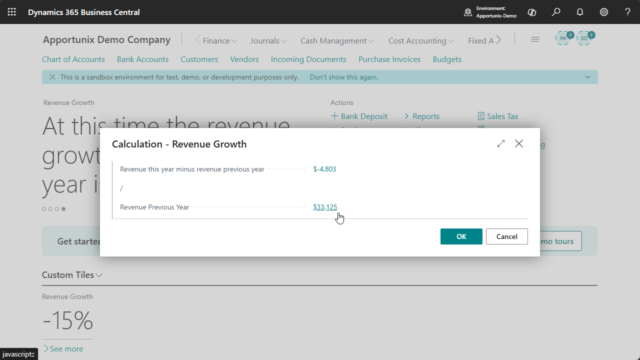
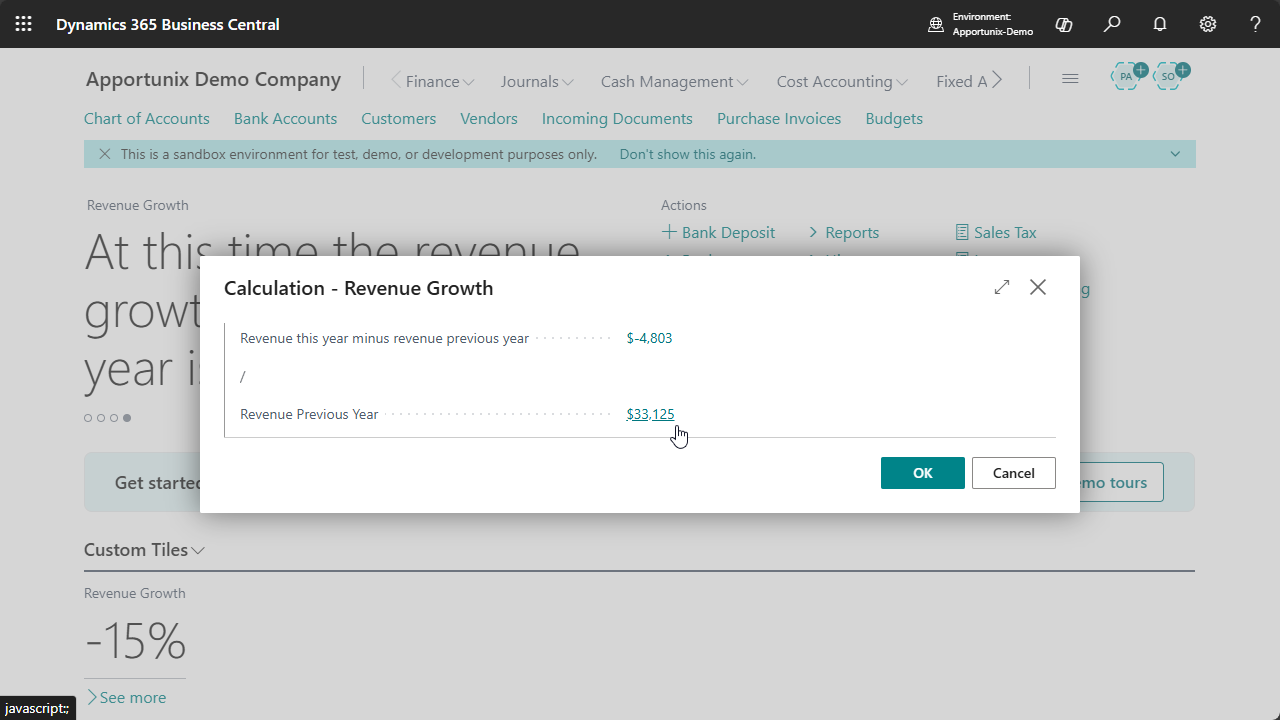
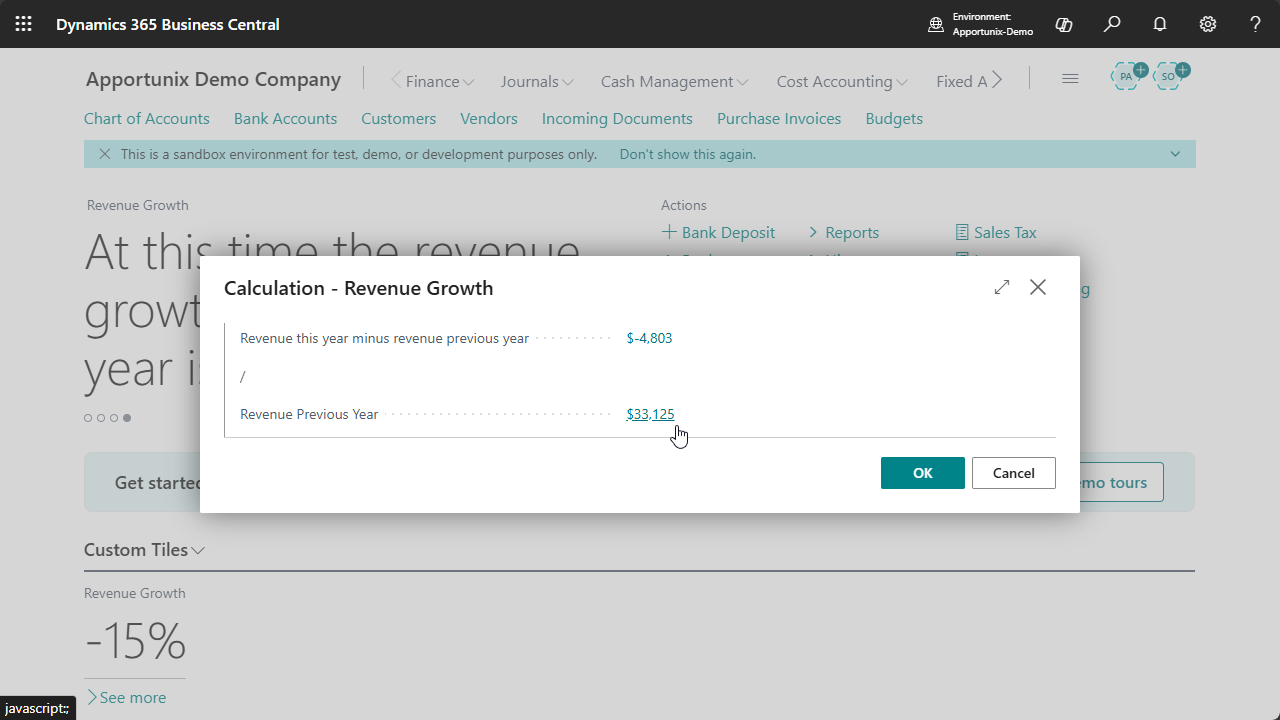
- Drill down into headline values to see how calculations are made, with full transparency for composite calculations.
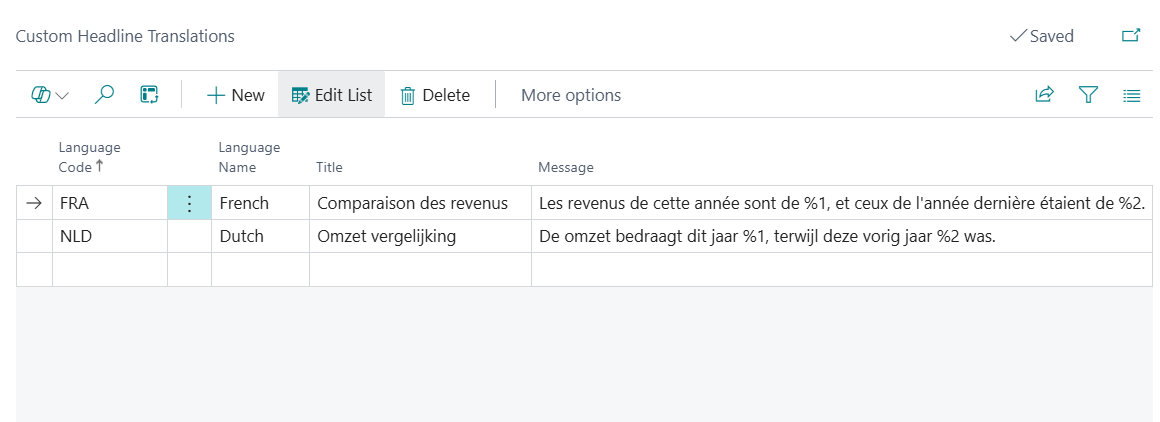
- Translate headline titles and messages for multilingual teams, supporting global deployments.
- Display up to 10 headlines per user, per date/time, for maximum relevance without clutter.
Available on all standard role centers
Custom Headlines can be shown on a wide range of standard Business Central role centers, including Accountant, Business Manager, CEO, Project Manager, Sales Manager, Warehouse Manager, and many more.
Do you want to learn more about Custom Headlines? Check out the manual.
Pricing
You can try out the Custom Headlines extension completely for free by installing it directly from Microsoft Marketplace in one of your Business Central Sandbox environments.
No trial period, no obligations!
Just install the extension directly from Microsoft Marketplace and try it out right away.
Curious about the pricing for Production use? Please check out our Prices page for detailed information about the pricing for each of our apps.