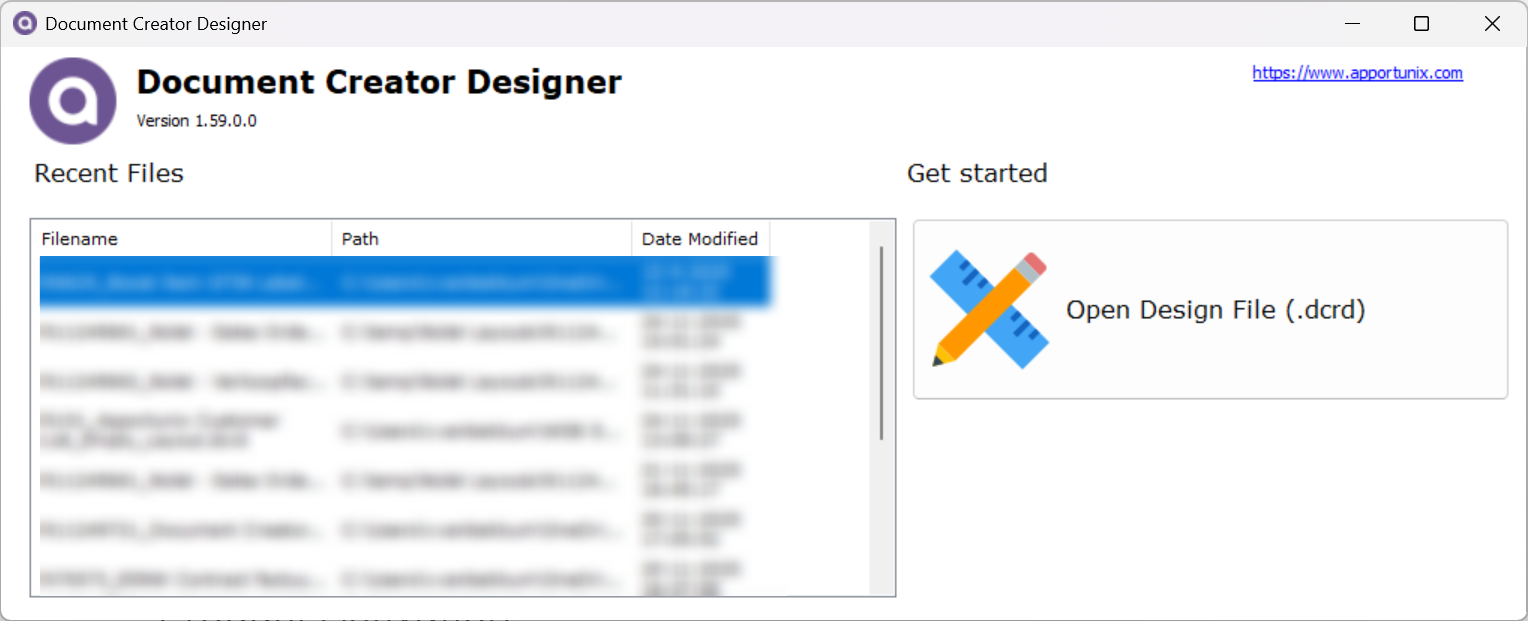
Due to a technical limitation of the ClickOnce framework that is used for automatic updates of the Document Creator Designer application, a direct upgrade from version 1.50 of the designer to the latest available version is not possible.
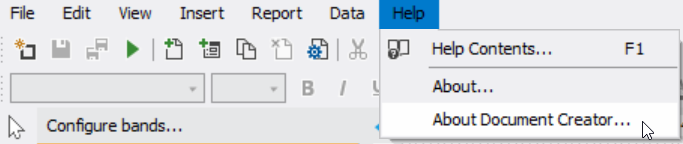
You can check which version of the Document Creator Designer Application you are using by opening the designer, and then choosing the Help | About Document Creator … menu option.
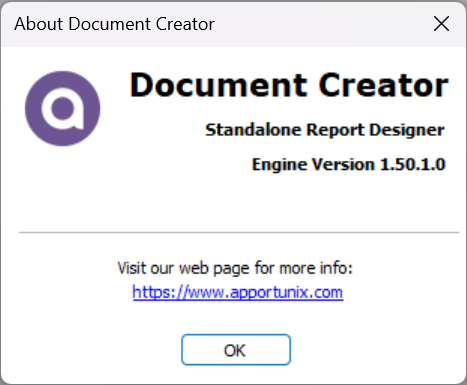
If you are using version 1.50 of the designer, then you should update the designer manually, which you can do by following these steps:
- First, on your Windows PC, search for and open the Add or remove programs
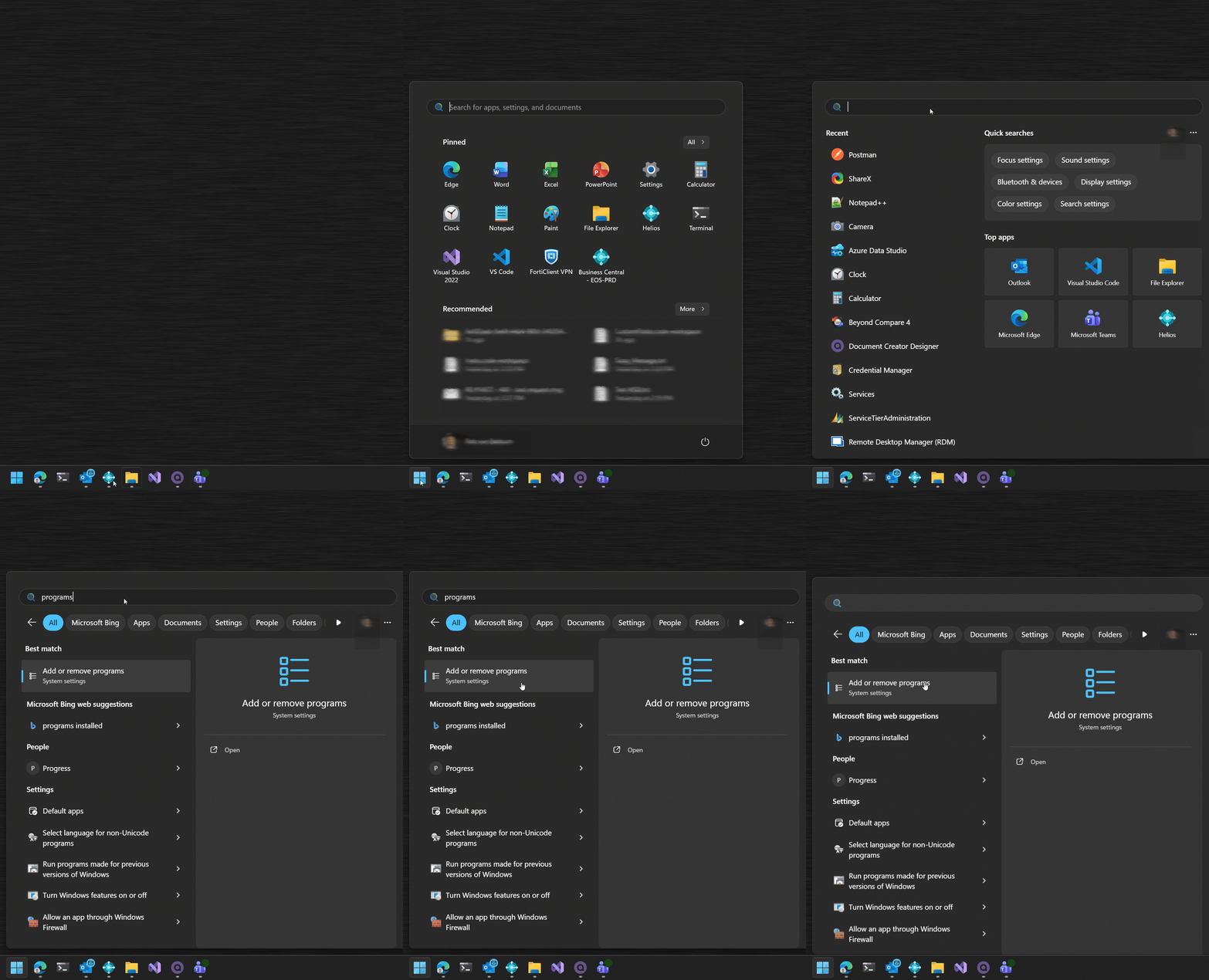
- Then, in the Settings window that opens, search for the “Document Creator Designer” application using the search bar.
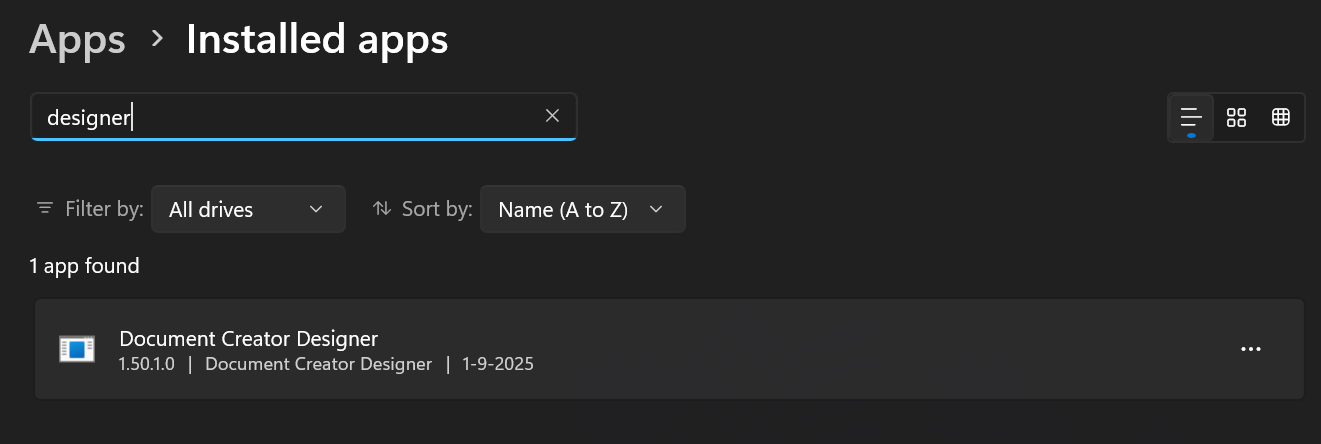
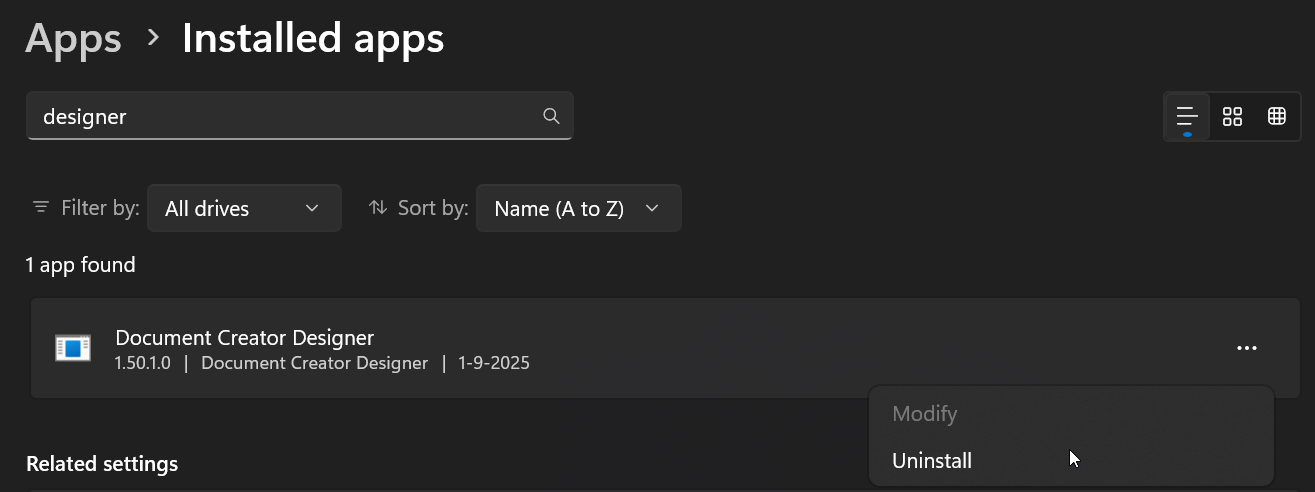
- Click on the “three dots” on the right side, and then choose “Uninstall” (and confirm the uninstallation).
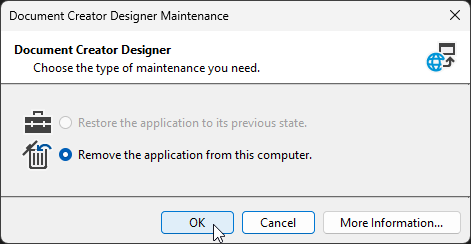
- In the Document Creator Designer Maintenance window that opens choose “Remove the application from this computer” and click on “OK“.
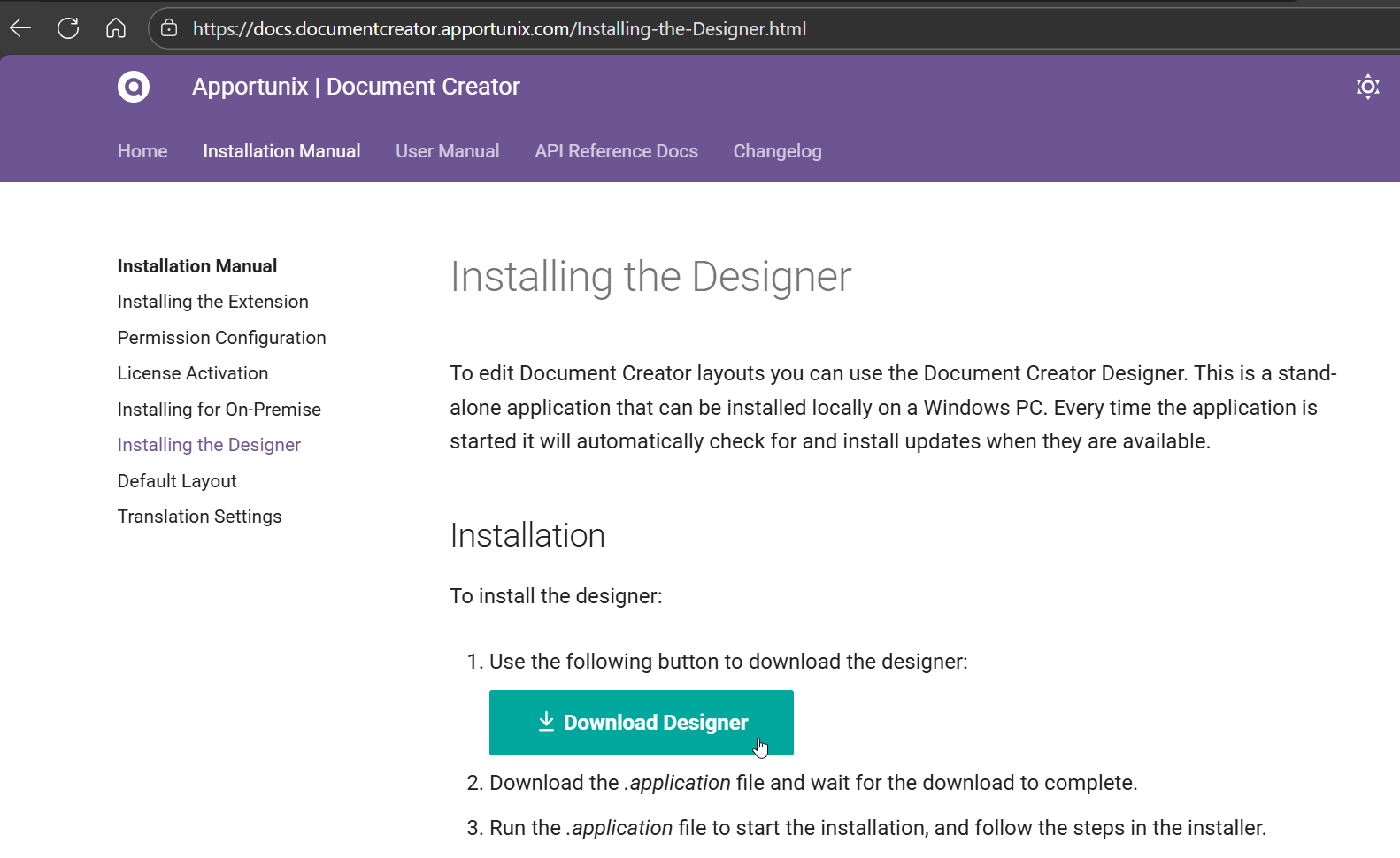
- Open the Installing the Designer section of the online installation manual. From there, click on the Download Designer button and follow the instructions found on this webpage.
- Open the designer and confirm that you now have the latest available version of the designer application.